Wellness guide hydro
hydro
massage.
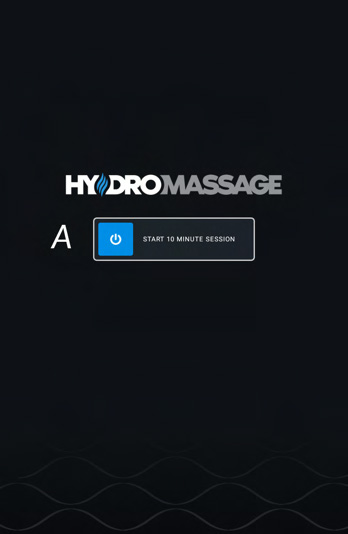
Start your session
- Start — swipe across the START button on the touchscreen to begin your massage session.
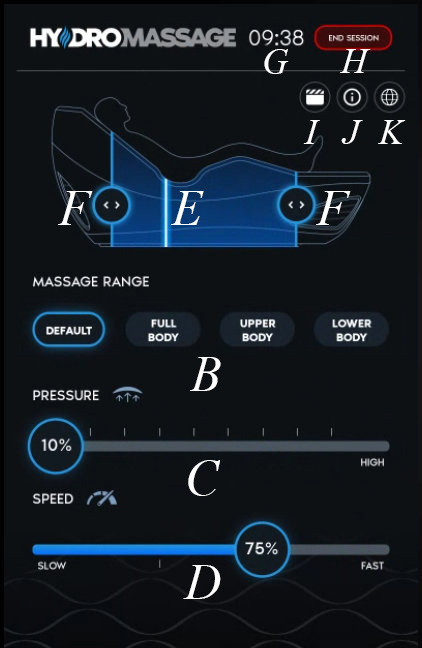
- Massage range — choose a preset to suit — Default, Full Body, Upper Body or Lower Body.
Dial it in
- Pressure — slide across to adjust the pressure between 10% and 100%.
- Speed — changes how fast the massage travels. Slide between 10% (slow) and 100% (fast).
- Limits — slide the blue bars back and forth to adjust the target area of your massage.
On-screen controls
- Massage indicator — shows the area of the body being massaged.
- Session time — shows the time remaining on your current session.
- End session — press the icon in the top corner to finish early.
- Entertainment — relaxation videos while you unwind.
- Help — scrolls through and explains the different features.
- Language — switch between English, Spanish, Dutch and French.
Please follow all club signage and staff directions.